Linux vs Windows Update System: Speed, Control, and Security Compared

1. Introduction Why Operating System Updates Matter Operating system updates are essential for maintaining the security, stability, and performance of a computer. Software vulnerabilities are discovered regularly, and updates often include security patches that protect systems from malware, hackers, and other cyber threats. Without regular updates, an operating system can become outdated and more vulnerable…

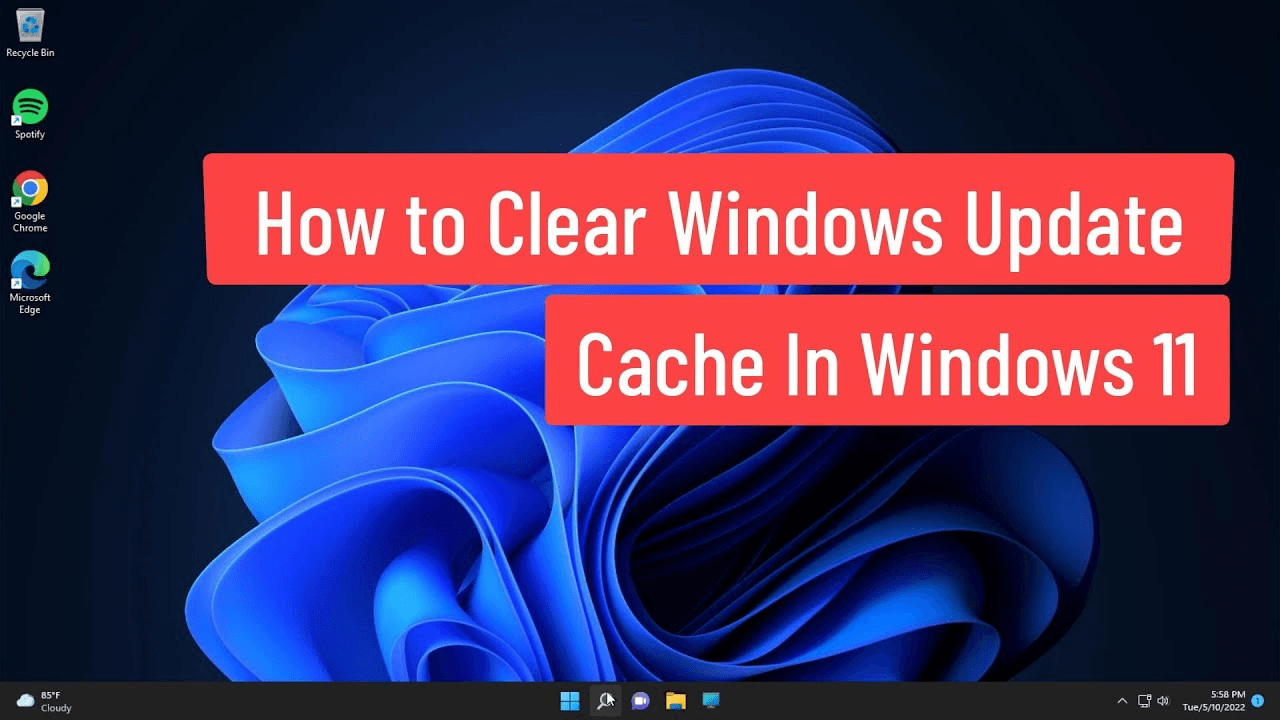
Understanding Windows Update Cache and How to Clear It Easily

1. Introduction What Is Windows Update Cache?The Windows Update cache is a temporary storage area Windows uses to hold update files (downloads, metadata, signatures, and staging files) while it prepares and installs updates. Think of it like a suitcase where Windows puts everything it needs for an update before unpacking and installing it — if…

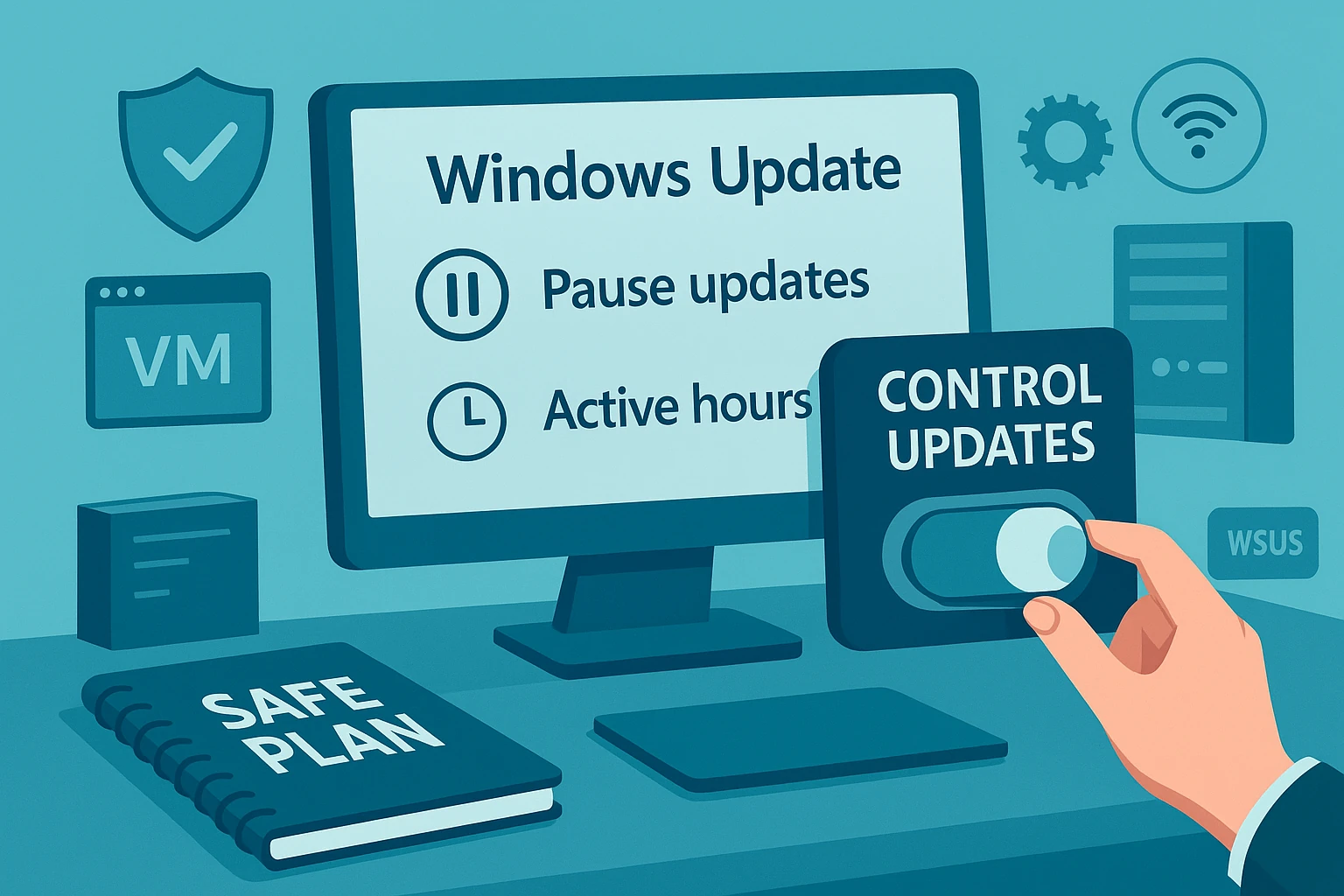
How to Pause Windows Updates Safely

Introduction Windows updates are essential for keeping your PC secure, stable, and running smoothly. They include security patches, bug fixes, driver updates, and new features. While most updates install automatically in the background, sometimes you may want to pause them temporarily—for instance, to avoid interruptions during work or to prevent compatibility issues with certain software….

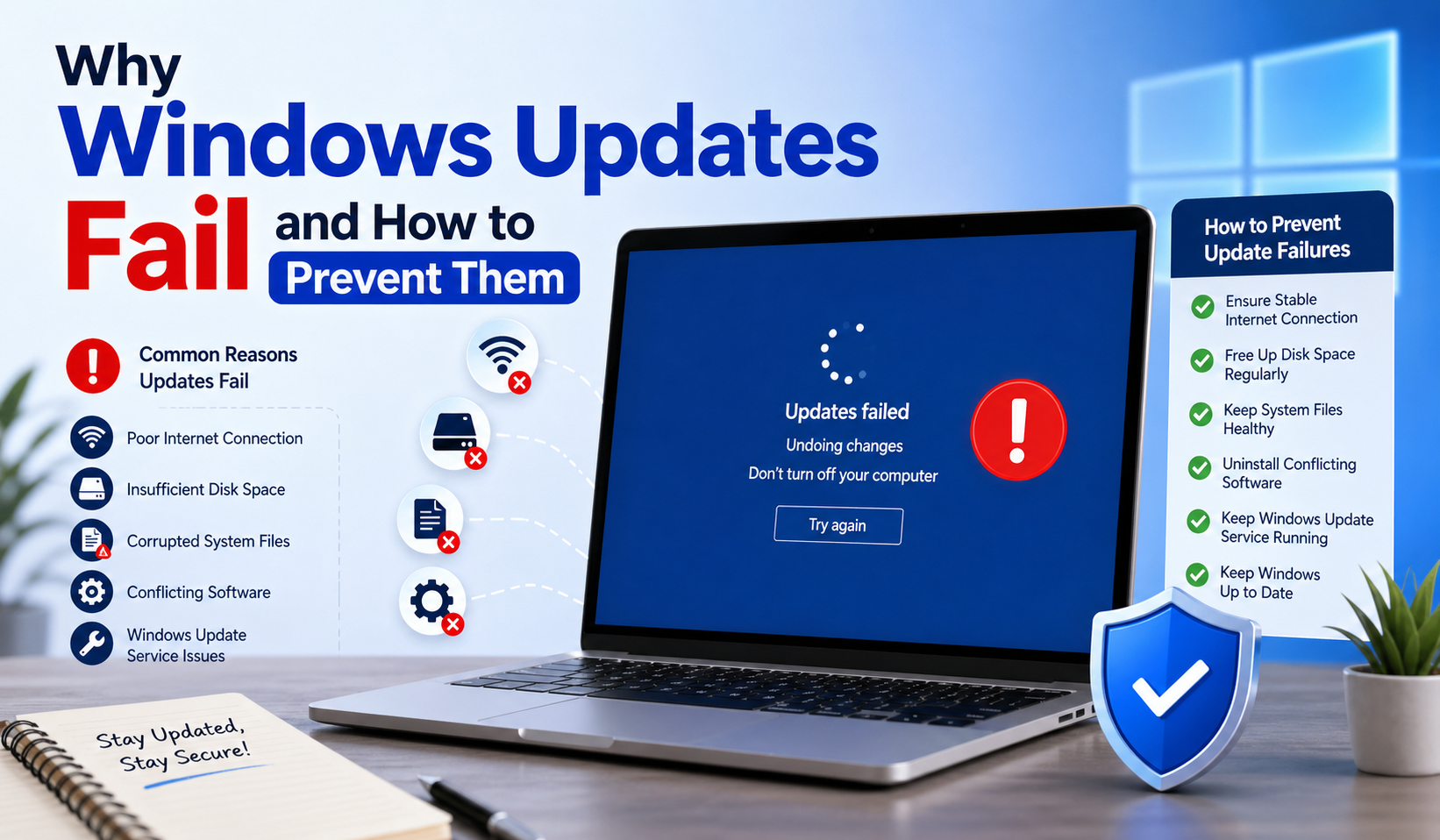
Why Windows Updates Fail and How to Prevent Them

Introduction Why Windows Updates Are Important Windows updates play a critical role in keeping your computer secure, stable, and efficient. These updates often include security patches that protect your system from newly discovered threats such as malware, ransomware, and other cyberattacks. In addition to security improvements, updates also introduce bug fixes, performance enhancements, and sometimes…

Step-by-Step Guide to Fix Windows Update Freezing Issues

1. Introduction Why Windows Update Freezing Is a Common Problem Windows updates are essential for keeping your system secure, stable, and up to date. However, many users experience situations where the update process freezes at a certain percentage or gets stuck on the “Working on Updates” screen. This happens because updates are complex. They modify…

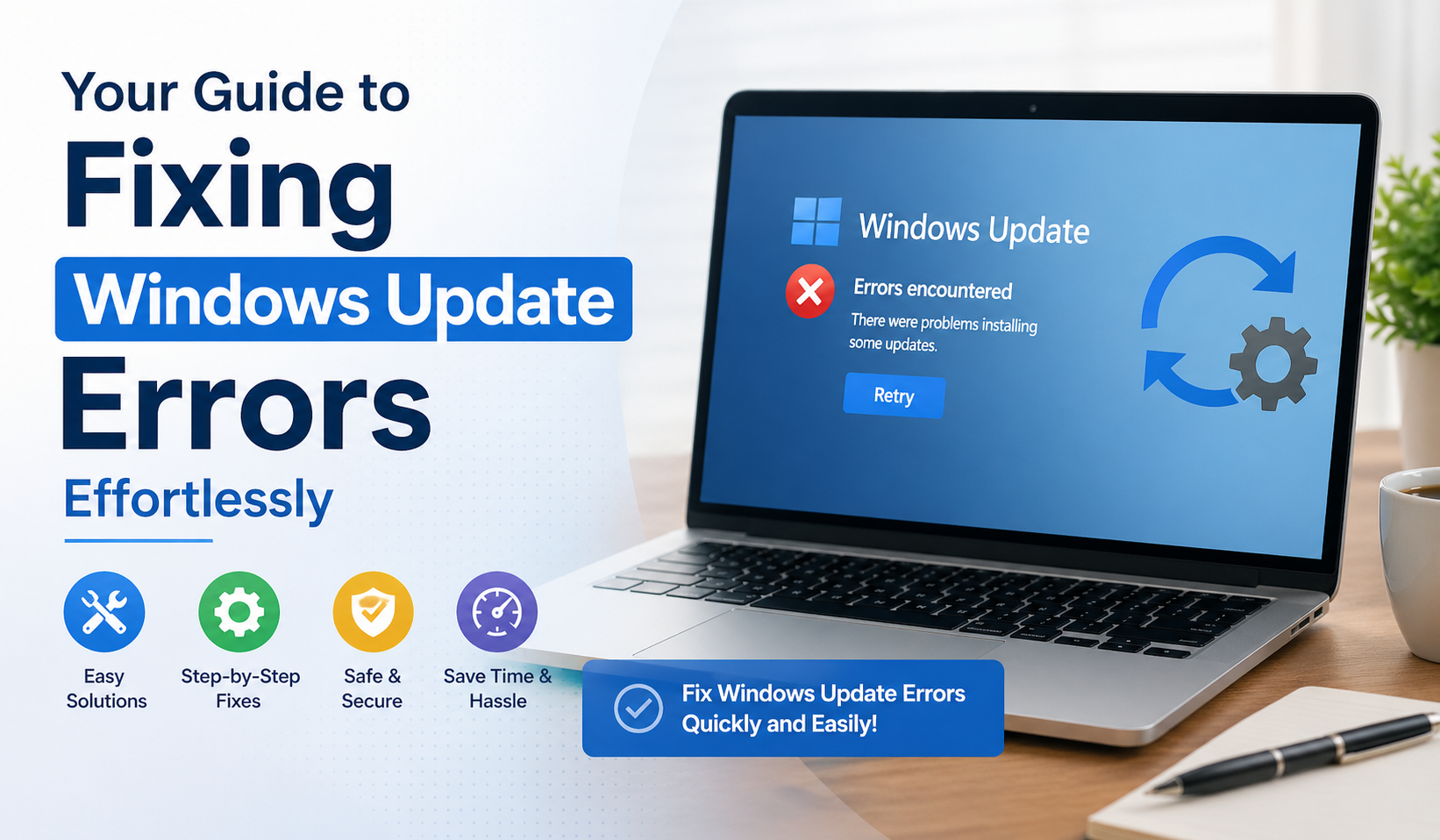
Your Guide to Fixing Windows Update Errors Effortlessly

Introduction Windows Updates are a critical part of keeping your PC secure, stable, and performing at its best. They include security patches to protect against malware, bug fixes for software issues, and sometimes new features to improve your system experience. While updates are essential, they don’t always go smoothly. Understanding these updates, their common problems,…

Windows Secrets Built-In Tools You Should Start Using Today
Windows Secrets: Built-In Tools You Should Start Using Today

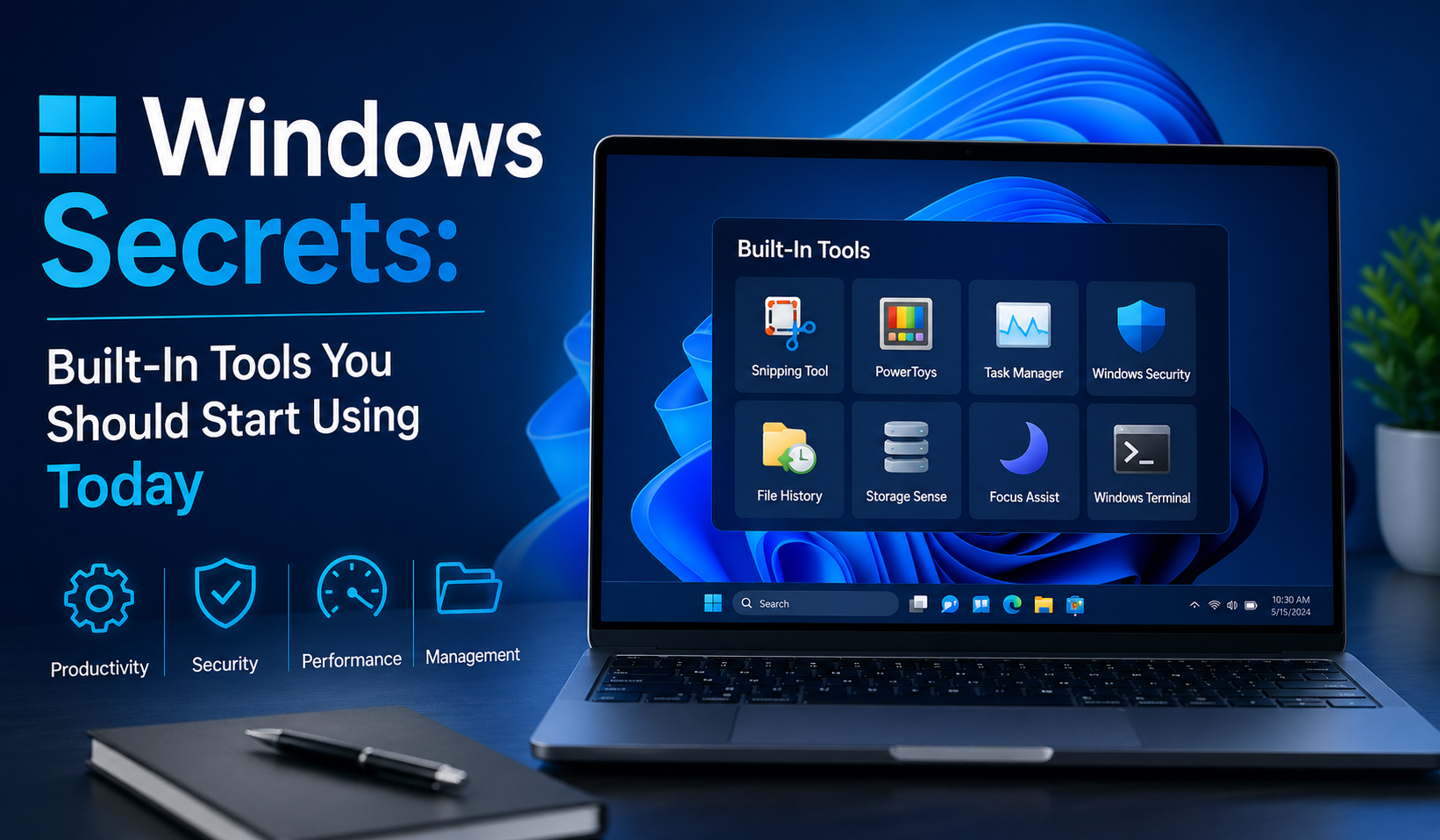
Introduction Modern computing often feels like a constant hunt for the “perfect app.” Need to clean your PC? Download something. System running slowly? Install a booster. Having errors? Grab a repair tool. But here’s the reality most users overlook: Microsoft Windows already includes a powerful set of built-in tools designed to handle nearly every common…

Windows Insider Builds vs Stable Updates

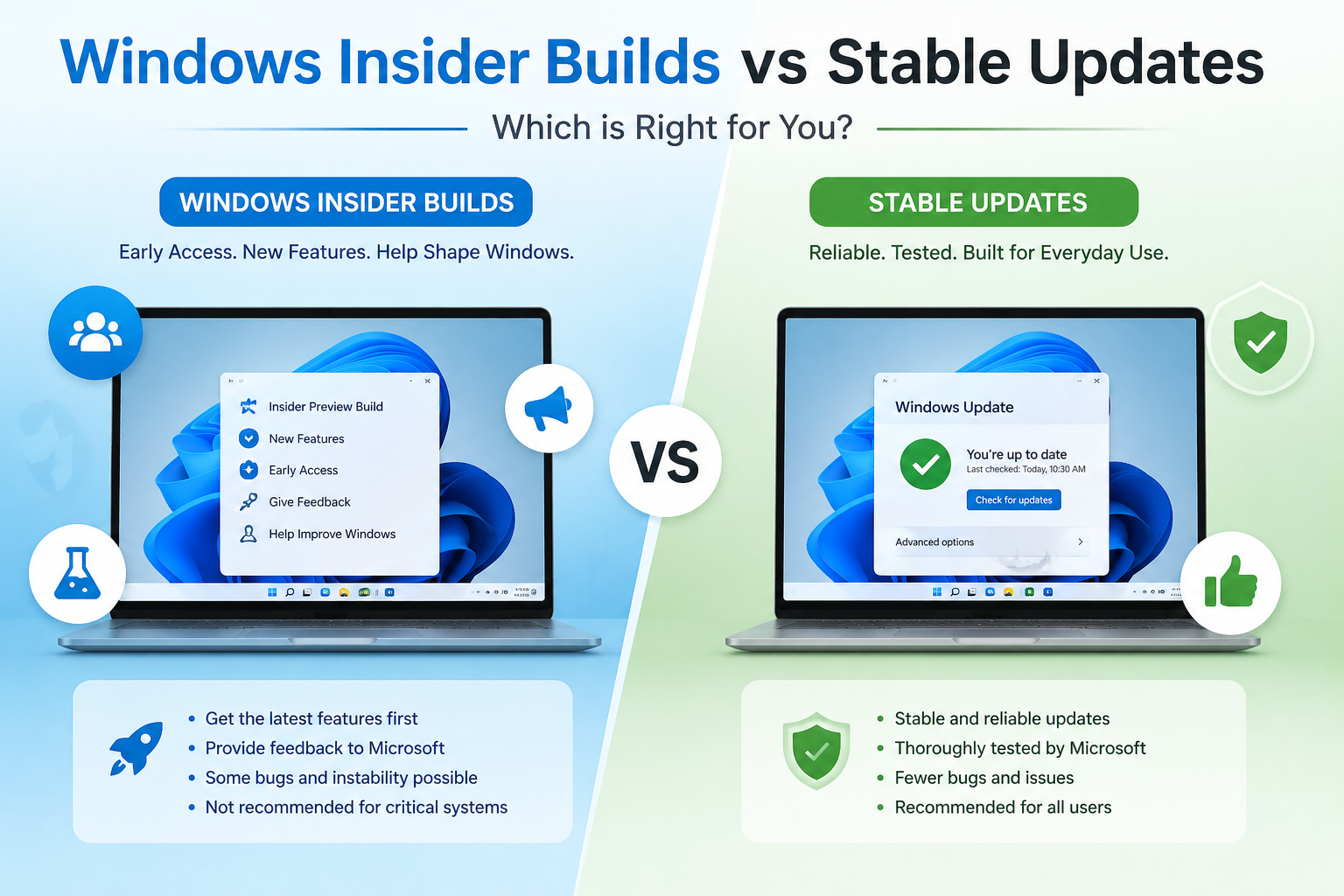
Introduction Why Windows Update Types Matter Windows updates are not all the same. Some are designed for everyday users who want a stable, secure experience, while others are created for testing brand-new features before they are released to the public. Understanding the difference between these update types helps you: For example, a student or office…

How Windows Updates Work in the Background

Introduction Why Windows Updates Matter Windows updates are essential for keeping your system secure, stable, and compatible with modern software. Every time you see an update notification, it usually contains important security patches, bug fixes, performance improvements, or new features. Behind the scenes, Microsoft Windows is constantly evolving. Cyber threats grow more advanced, hardware changes…

Why Software Updates Affect PC Speed and How to Restore Performance

Introduction Operating system updates are supposed to keep your PC secure, stable, and modern — but all too often, people notice that their machine feels slower after an update. That drop in responsiveness can be alarming, especially when the update was presented as a performance or stability improvement. The truth is more nuanced: updates perform…