Post Image
Windows System Files: The Hidden Backbone of Your Operating System

Introduction Windows system files are the essential building blocks that let your PC run. They include the operating system kernel, device drivers, shared libraries, configuration data, and small helper programs — everything Windows needs to boot, talk to hardware, manage memory, and run apps. Most users never have to touch these files, but when a…

Post Image
Windows Update Internals: Servicing Stack & Components

Introduction Windows updates are far more than simple patches. Behind the scenes, Microsoft has built a highly structured servicing system designed to maintain security, stability, compatibility, and performance across millions of devices worldwide. Every time your PC checks for updates, downloads files in the background, or restarts to complete installation, multiple internal components work together…

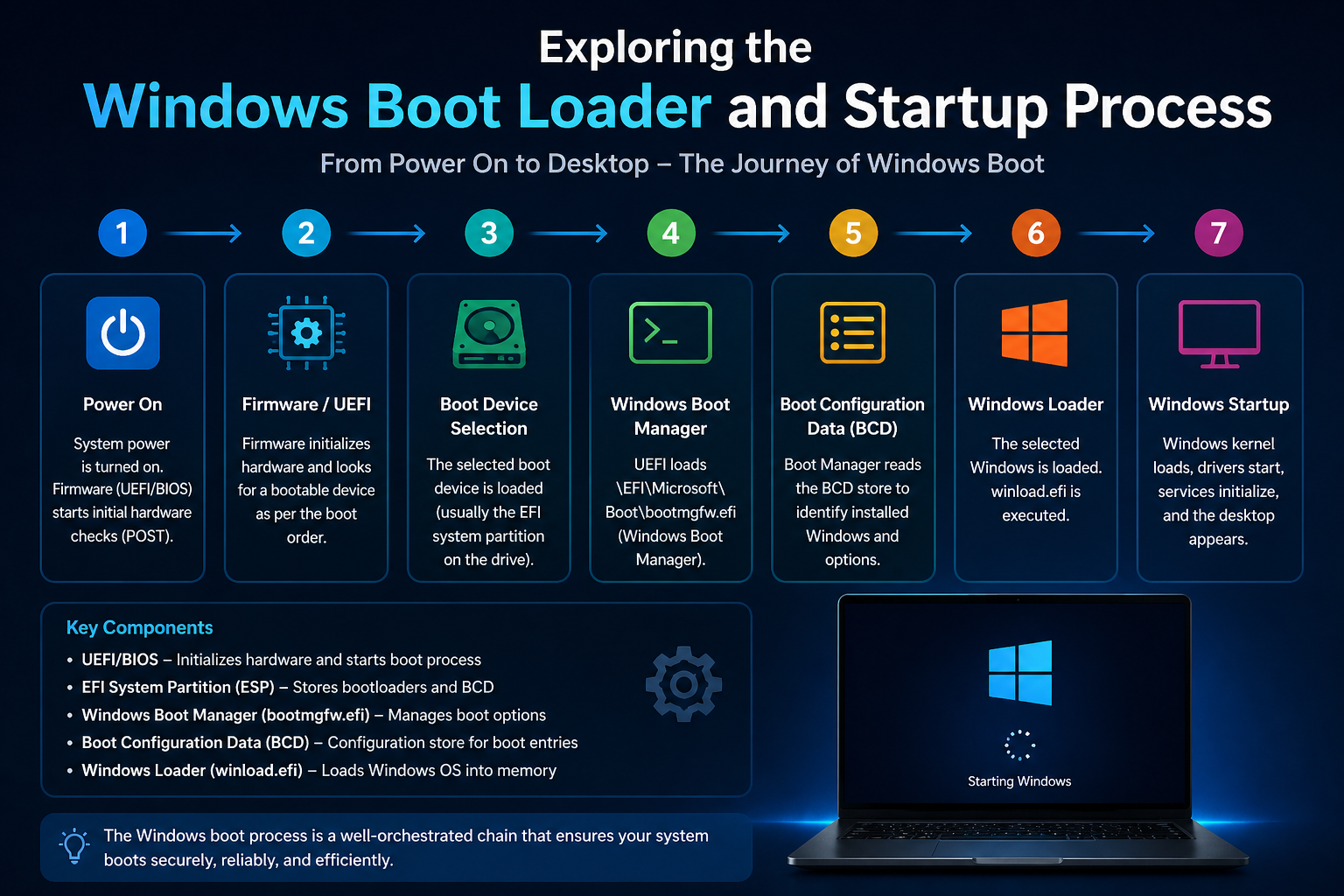
Exploring the Windows Boot Loader and Startup Process

Introduction When you press the power button on your computer, a complex sequence of events begins within seconds. This sequence — known as the Windows boot process — prepares your hardware, loads essential system components, and finally brings you to the login screen. Understanding how this process works helps you diagnose startup errors, improve performance,…

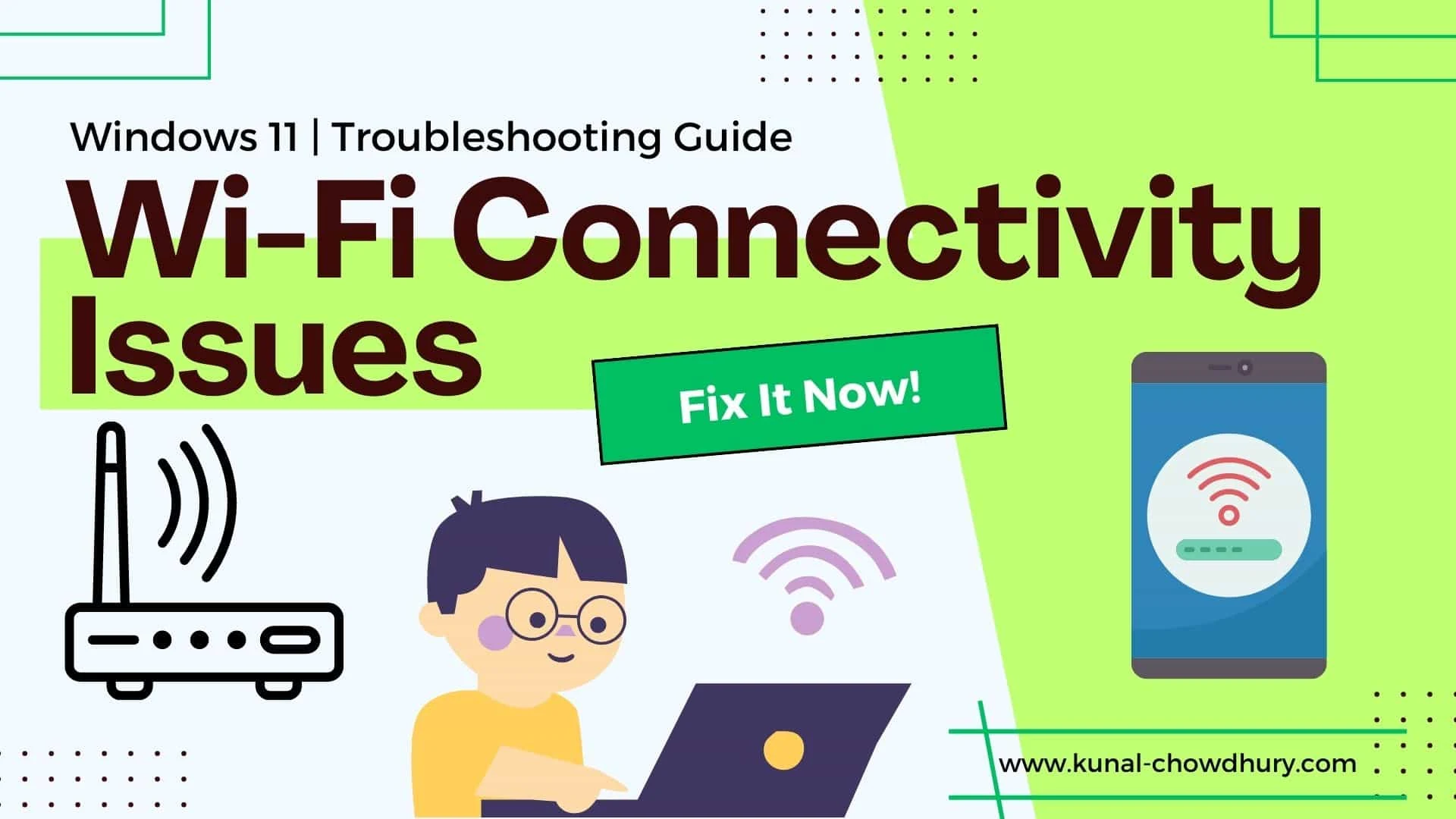
A Complete Guide to Troubleshooting Windows Problems

Introduction Windows powers billions of PCs, from budget laptops to high-end workstations. That reach and flexibility are strengths — but they also invite complexity. Different hardware, aftermarket apps, driver ecosystems, and user habits all interact and sometimes break things. This guide gives clear, low-risk fixes you can run right now to restore speed and stability…

Ultimate Guide to Optimising Any Windows Speed
Ultimate Guide to Optimizing Any Windows Speed

Introduction A quick, practical guide to speeding up Windows — whether you’re on an old laptop or a freshly built PC that’s mysteriously sluggish. Below are short, actionable explanations and steps for the first batch of items on your blog, so readers can diagnose slow speed issues and apply fixes right away. Why Windows Slows…

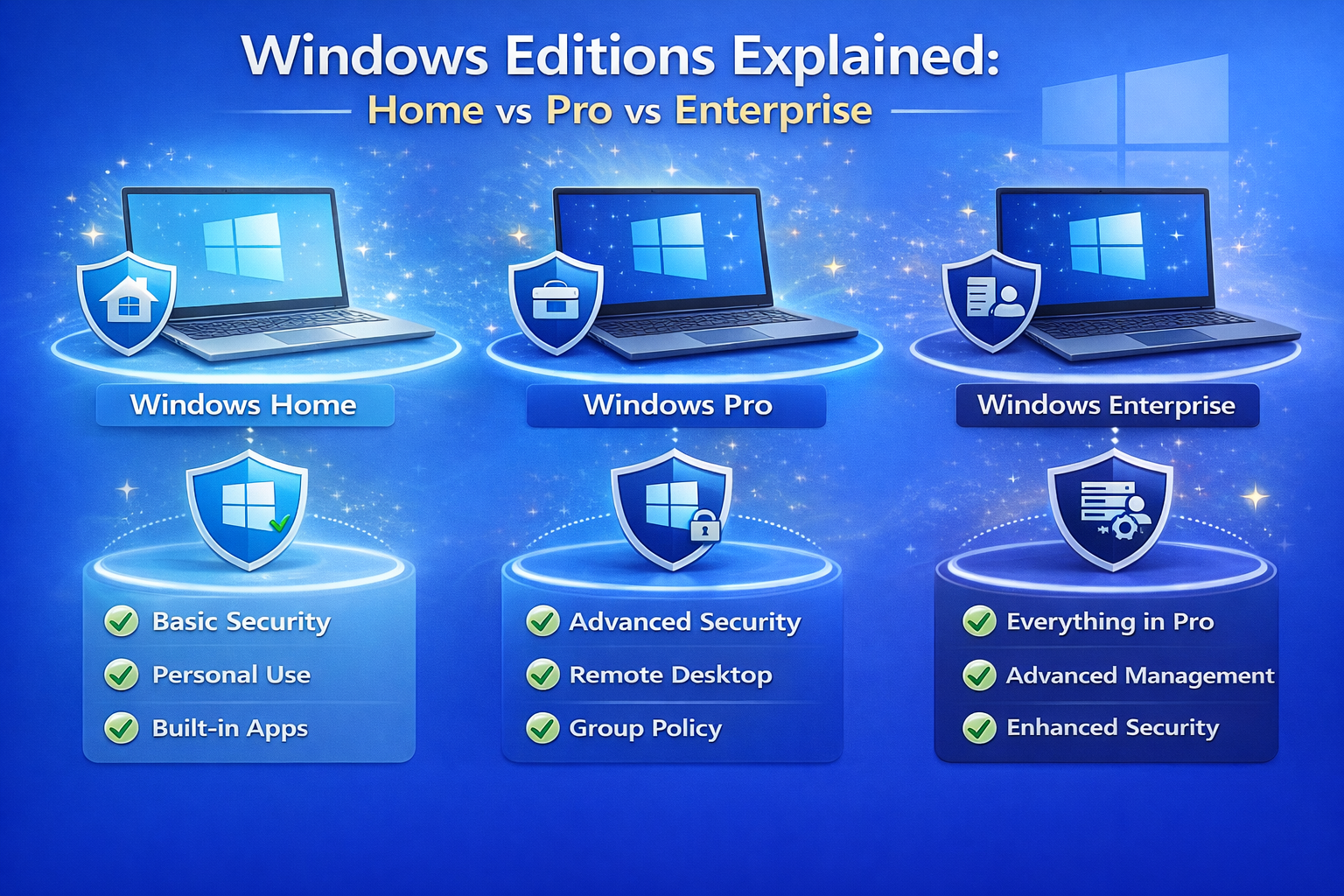
Windows Editions Explained: Home vs Pro vs Enterprise

Introduction Choosing the right Windows edition matters more than most people think. At a glance, all editions run the same core operating system — but under the hood, there are meaningful differences in security, device management, virtualization, update controls, and licensing. Picking the wrong edition can cost you money, limit capabilities you need for work,…

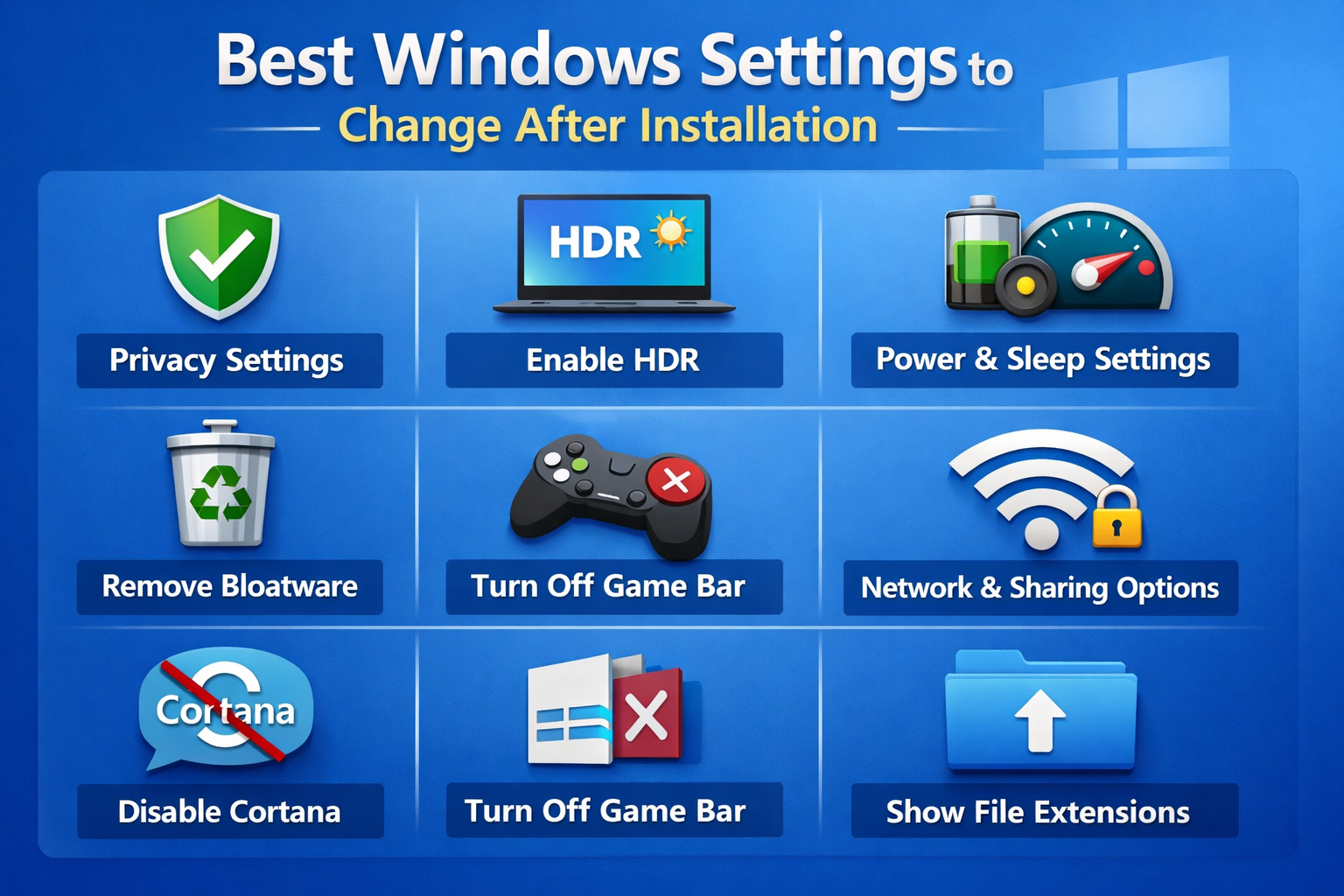
Best Windows Settings to Change After Installation

Introduction After installing Windows, most users start using their PC without changing any settings. While Windows works fine out of the box, the default configuration is not always optimized for performance, privacy, or productivity. Many features are enabled by default that may slow down your system, collect unnecessary data, or distract you with notifications. Taking…

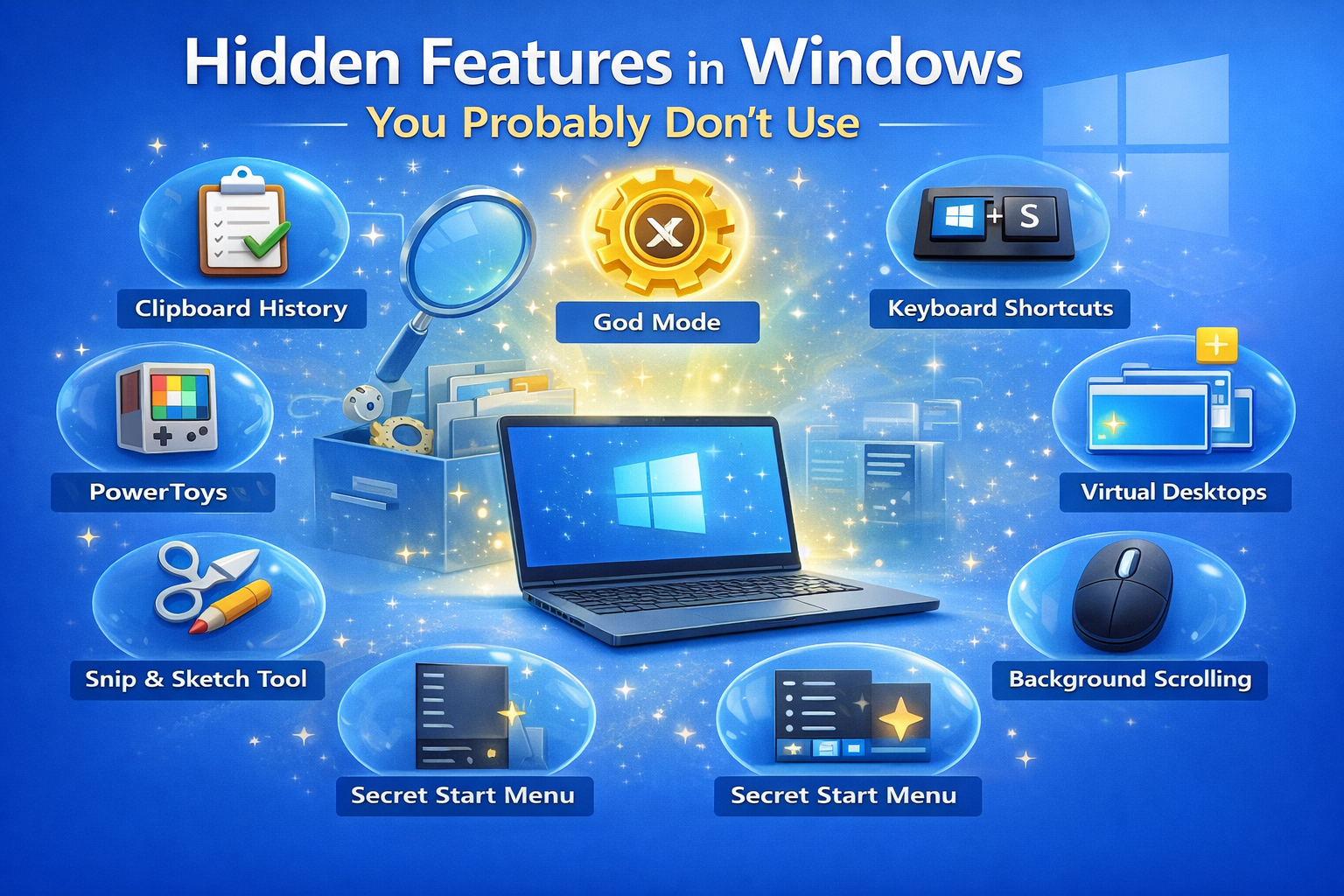
Hidden Features in Windows You Probably Don’t Use

Introduction Windows is one of the most widely used operating systems in the world. Millions of people use it daily for work, study, gaming, and entertainment. However, most users only interact with the basic features like File Explorer, the Start Menu, and common applications. What many people don’t realize is that Windows includes dozens of…

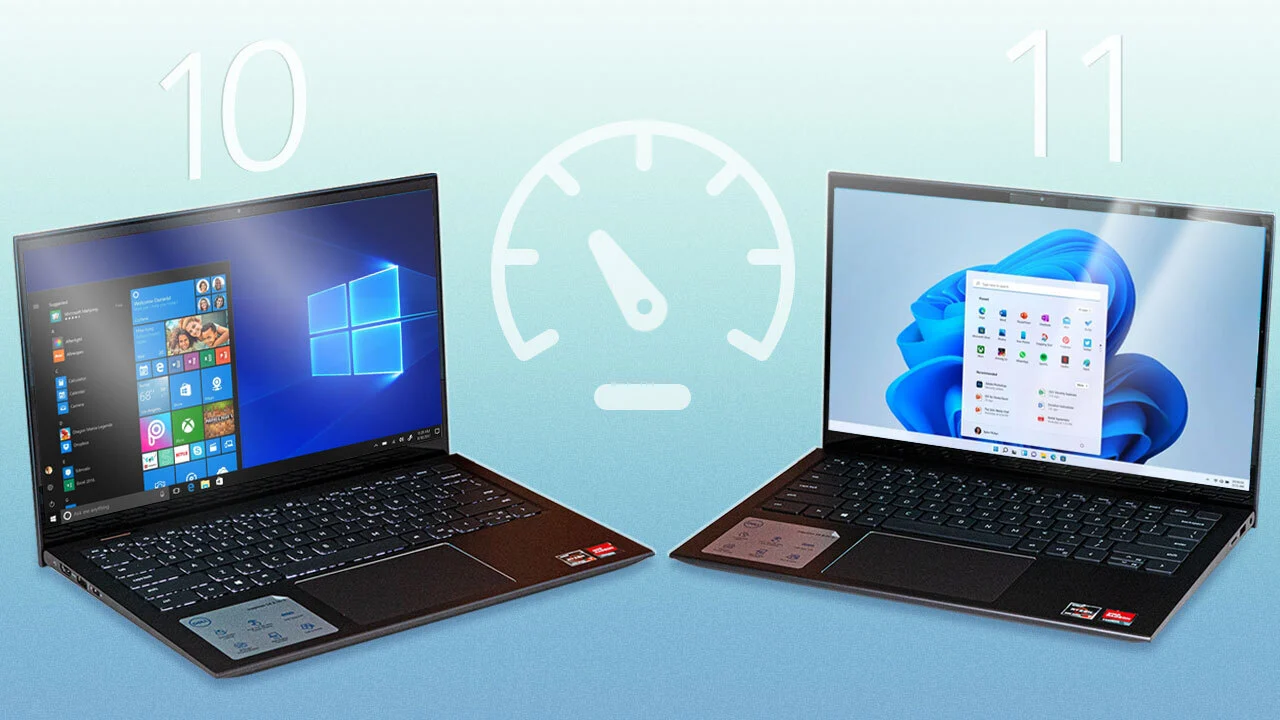
An In-Depth Performance Comparison of Windows 10 and Windows 11

Introduction Why Performance Comparison Matters When choosing an operating system, performance is one of the most important factors to consider. Whether you use your computer for gaming, professional work, studying, or everyday browsing, system speed and stability directly impact your productivity and experience. Windows 10 has been a stable and widely used operating system since…

Windows 11 Explained: Features, Pros, and Cons

Introduction to Windows 11 Windows 11 is Microsoft’s modern operating system designed to offer a cleaner interface, better performance, and stronger security compared to previous versions of Windows. It represents a major step forward in how users interact with their computers, focusing on simplicity, productivity, and a more visually appealing design. From students and professionals…